Connected Business Web Access – Login Steps
Step 1 – Open Website
-
Launch Google Chrome or Microsoft Edge.
-
Navigate to your Connected Business Web Access URL: https://app1.connectedbusiness.com
-
The login page will appear.
-
Select HTML5.
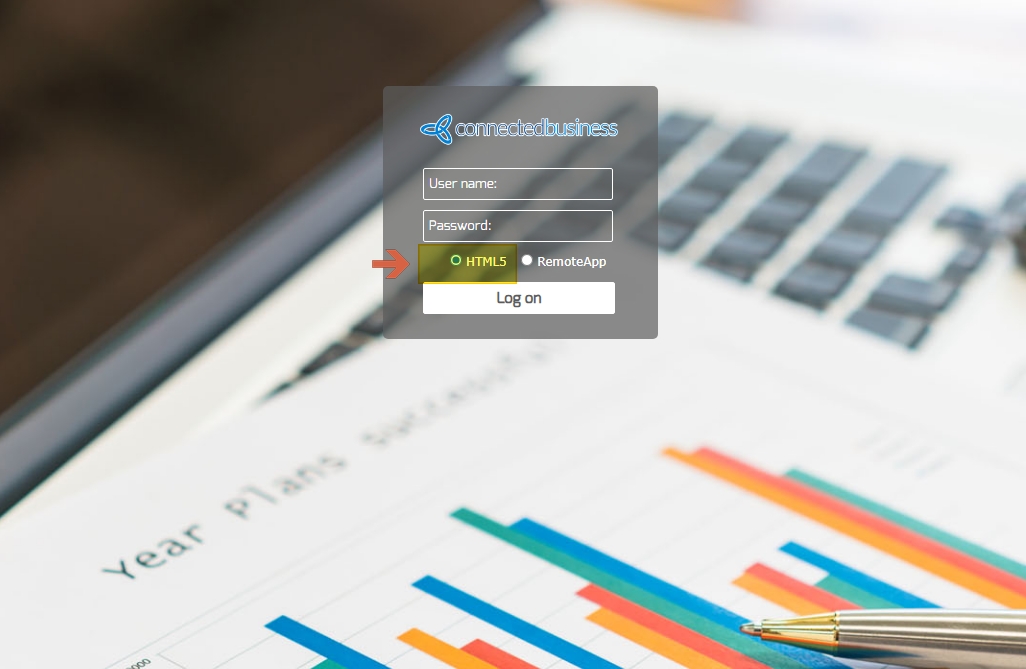
Step 2 – Web Access Login. Users are currently using a shared username and password to access Connected Business Web Access which is provided to you by our hosting or sales team.
At the login screen:
-
Enter your assigned Username
-
Enter your assigned Password
-
Click Log on
After successful authentication, the application will load.
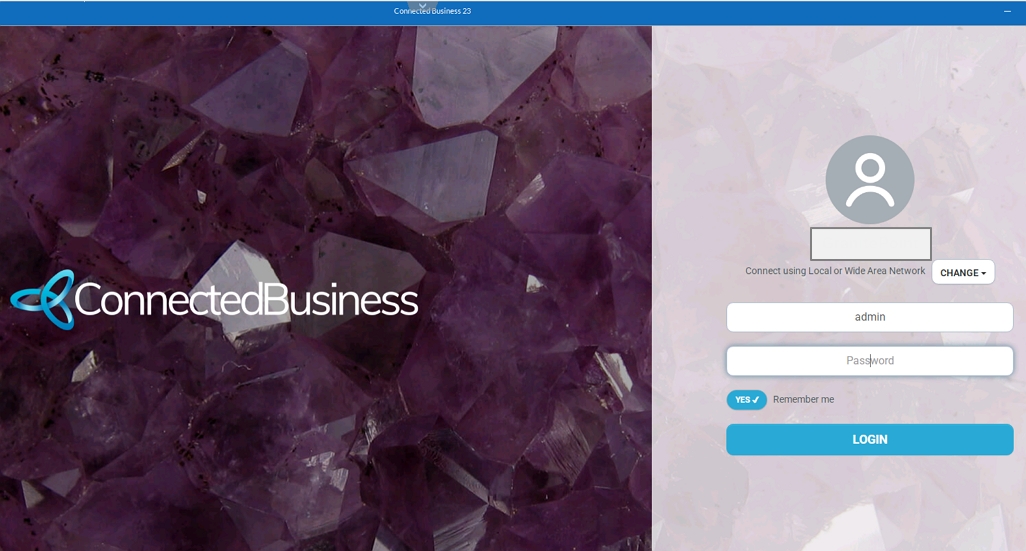
Step 3 – Connected Business Application Login
Once inside the application:
-
Enter your User Code
-
Enter your Password
-
Click Login
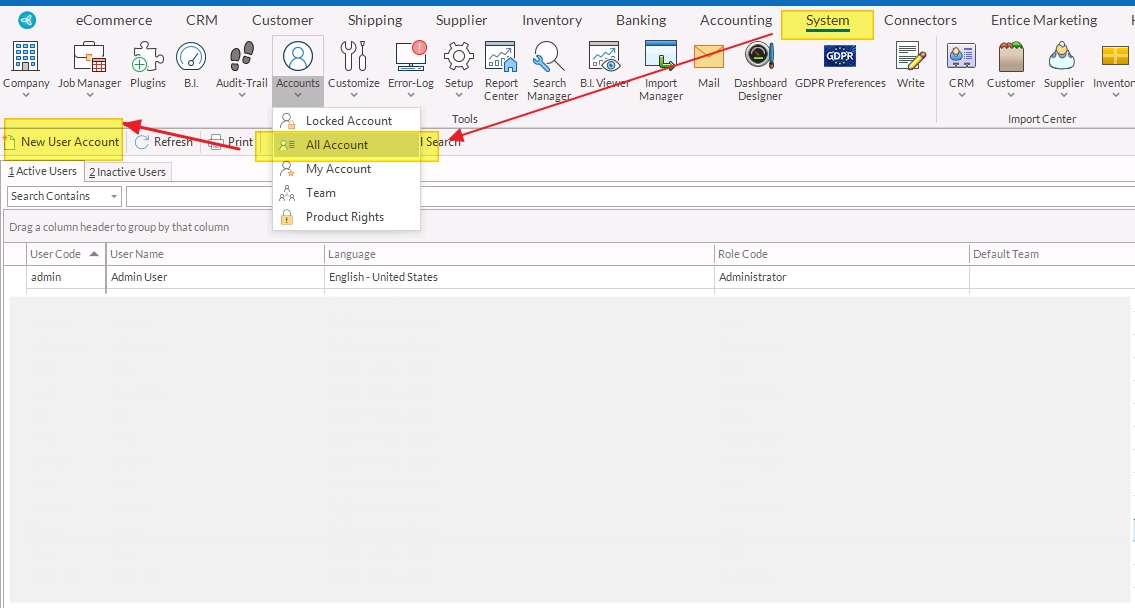
Once you are able to log in, you may now create Connected Business user accounts for other users.
Navigate to System Manager > Accounts > All User Accounts, then click New Account.