
Upgrading From Connected Business v20 to v21
Upgrading Server Files
- Download patch zip files from this link (LINK TO BE PROVIDED)
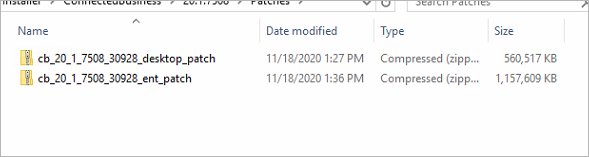
- Extract server patch content into the Connected Business installation folder to overwrite files within. (usually C:\Program Files (x86)\Connected Business 20 [Edition])
NOTE: Make a backup of files before overwriting them.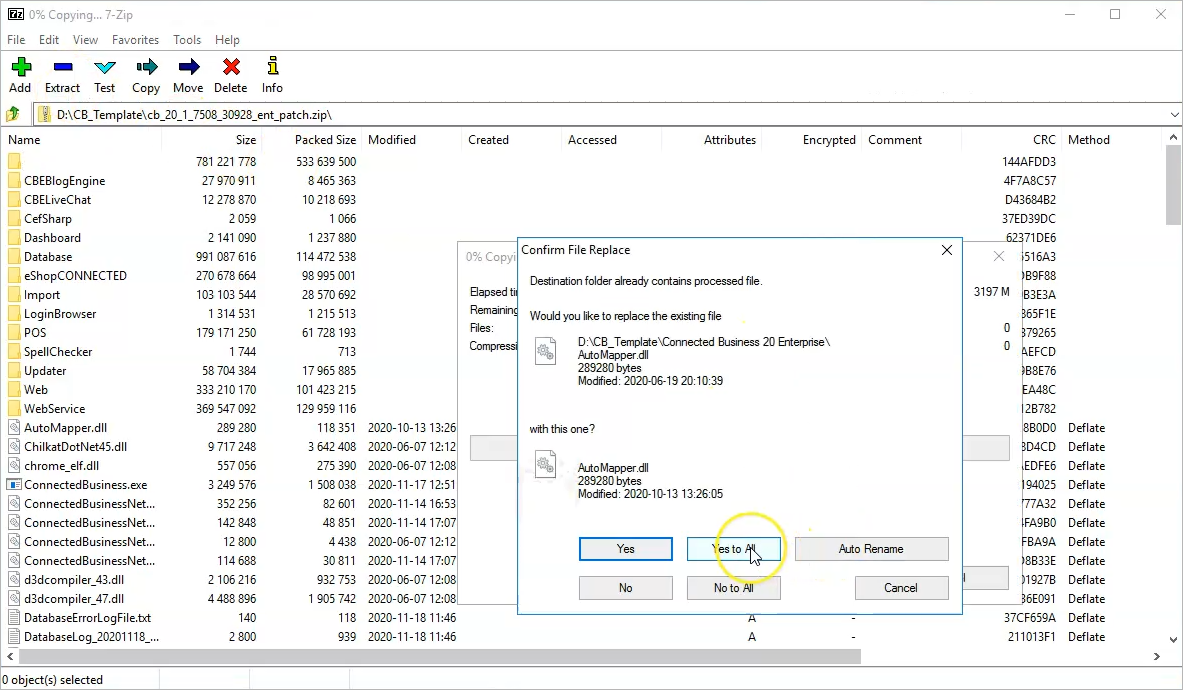
Upgrading Database
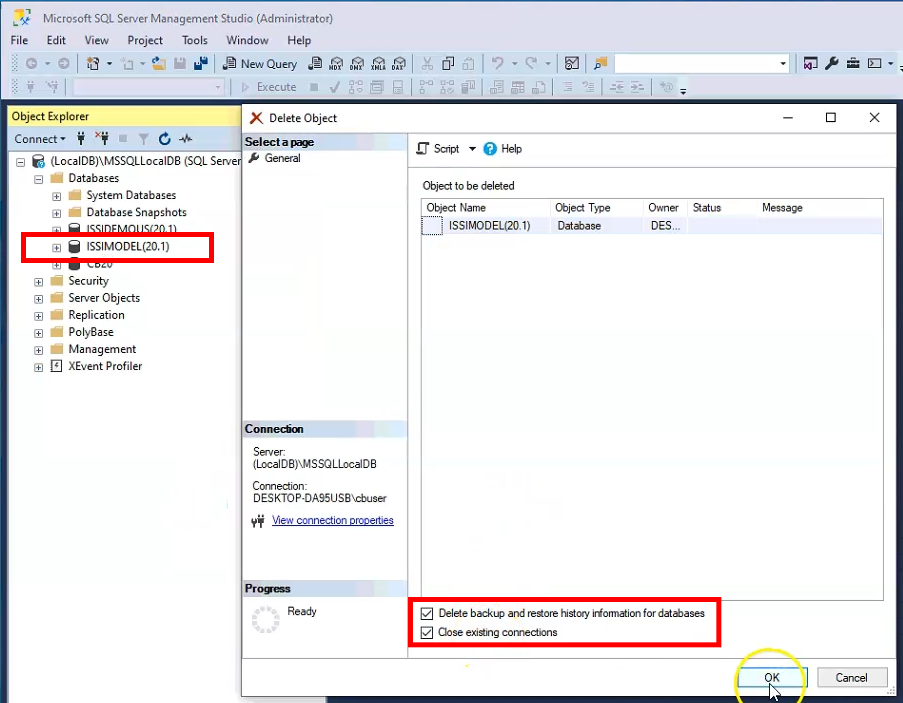
- Go to Microsoft SQL Management Studio delete ISSIMODEL(20.1) database and close existing connections.
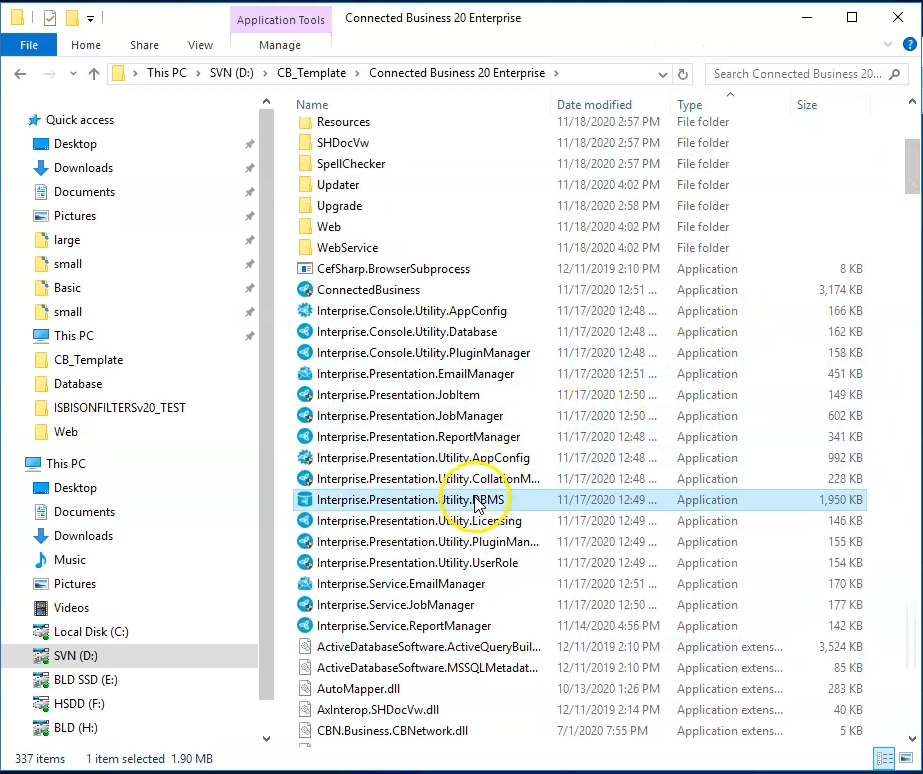
- Run DBMC (database Management Console) as administrator and connect with proper credentials
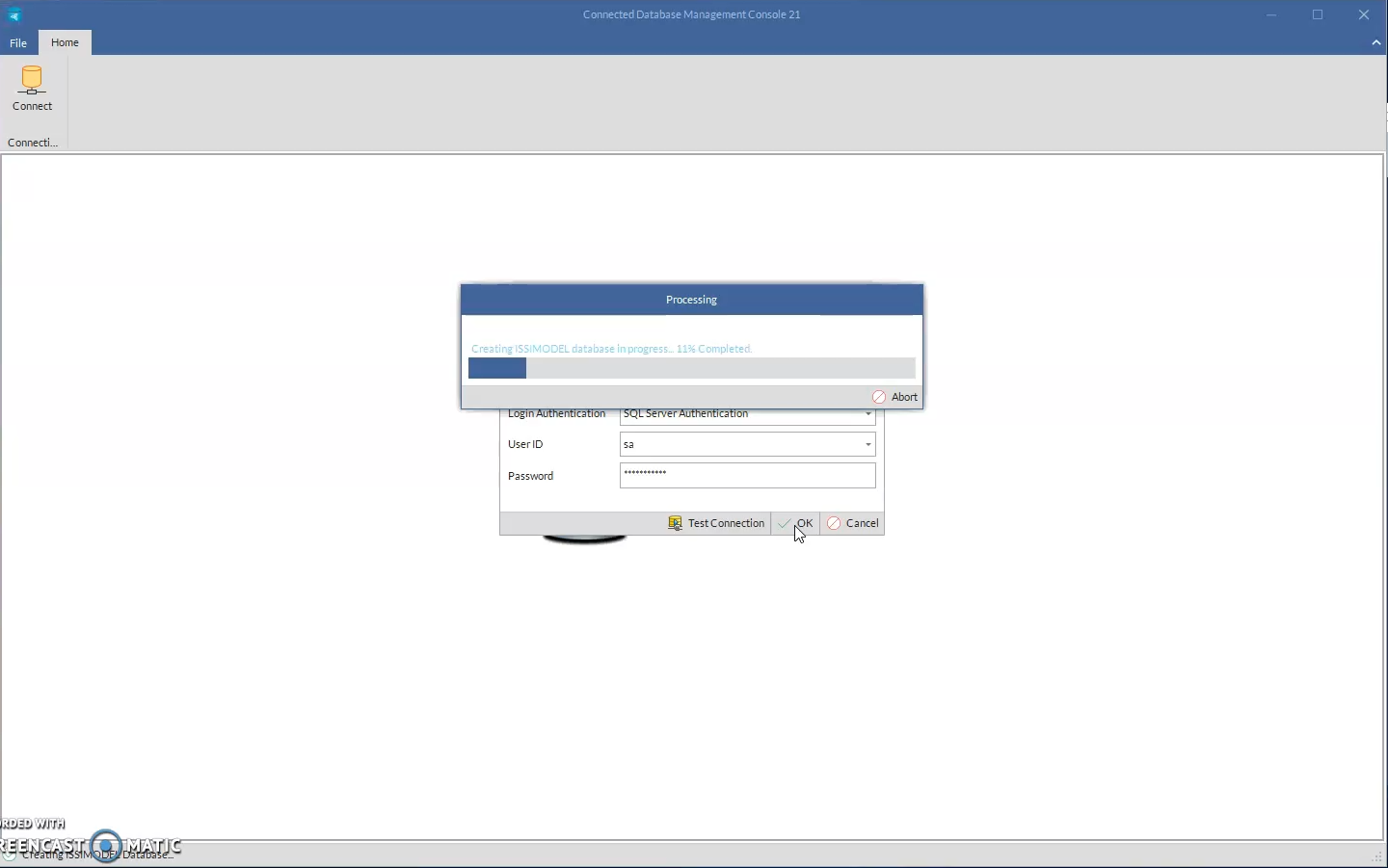
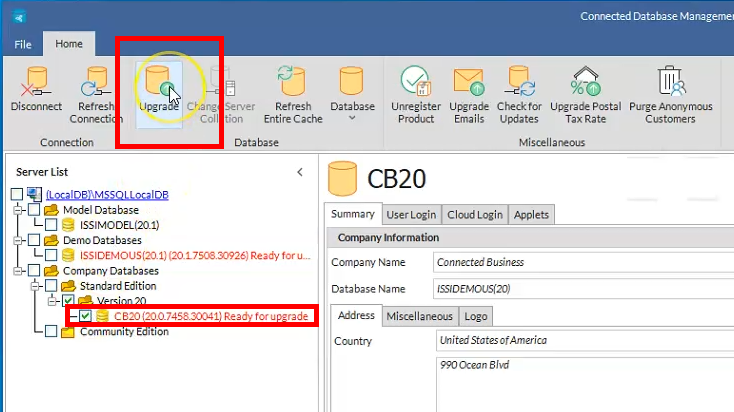
- Once logged in, select CB20 database and click Upgrade.
Upgrading Client Files
- Extract Client patch files to where installation files reside to overwrite them (usually C:\Program Files (x86)\Connected Business 20)
NOTE: Make a backup of files before overwriting them.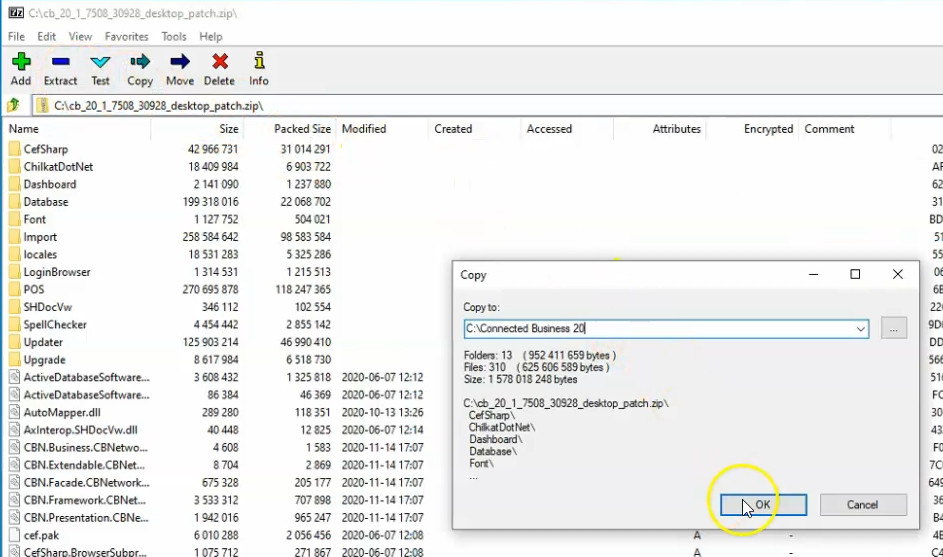
Applicable Products
CB20.1
