
Run Connected Database Management Console and connect to your SQL Server. It will automatically check for the latest Connected Business update in the production server.
- Run the auto-update to update the server component
- Auto-update includes the “CBEUpdate” folder in the Connected Business Enterprise root directory
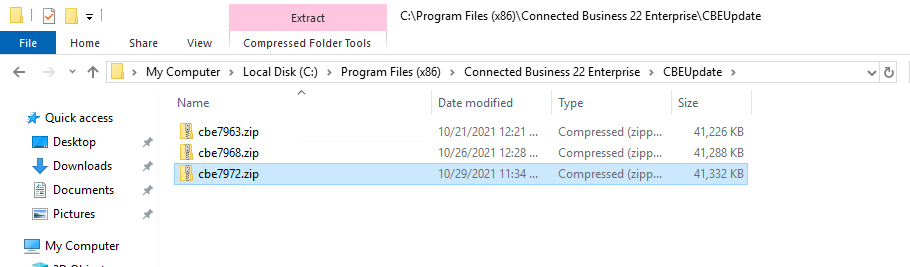
- Unzip the latest CBE compressed file and overwrite your live CBE folder (make sure to backup your current CBE files)
